Intro
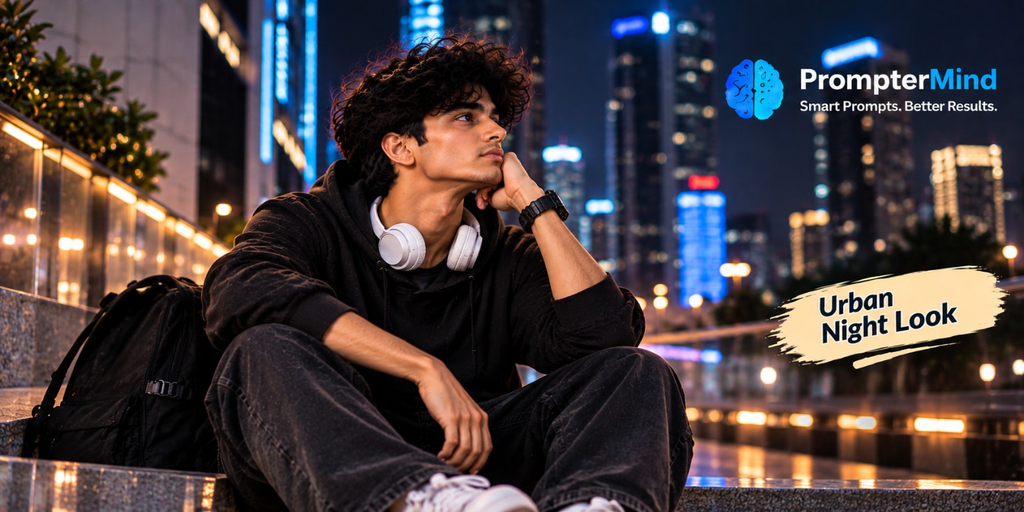
Create a cinematic urban night look for boys using AI photo editing. This style combines glowing skyscrapers, city lights, streetwear, headphones, and a relaxed nighttime pose.
AI Prompt
Transform the uploaded photo into a realistic cinematic urban night portrait of a stylish young man sitting casually at a modern city location.Keep the person’s facial identity, hairstyle, natural facial features, and skin texture realistic.Create a vibrant nighttime city environment with illuminated skyscrapers, blue and white building lights, glowing signs, reflective surfaces, and urban bokeh.Dress the subject in a black hoodie, dark relaxed-fit jeans, clean sneakers, white headphones around his neck, and a black backpack beside him.Give the subject a relaxed thoughtful pose while looking toward the city lights.Use cinematic nighttime lighting, realistic highlights, soft shadows, colorful reflections, shallow depth of field, realistic skin tones, accurate hands and fingers, and natural body proportions.Do not add any logo, website name, watermark, text, typography, brand name, or graphic elements.
How to Create This Look
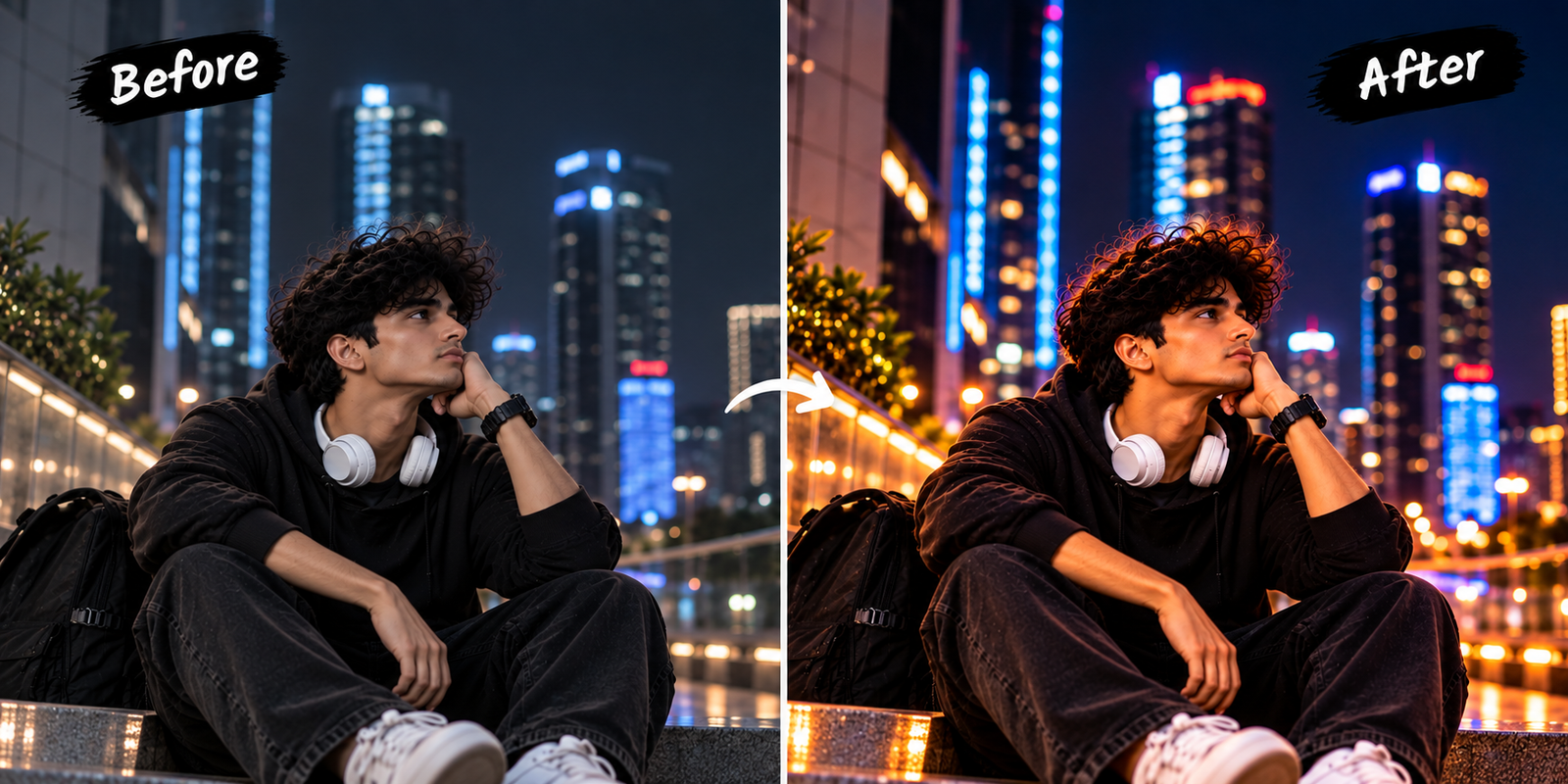
First, upload your photograph.
Next, paste the complete AI prompt.
Then, generate the image and check the face, hands, headphones, clothing, and background.
Finally, save the finished portrait.
What Makes This Prompt Work
The city lights and streetwear create a modern urban appearance.
Moreover, background bokeh adds depth. Therefore, the subject remains the main focus.
Best Uses
- Instagram Profile
- Night Photography
- Urban Lifestyle Content
- Streetwear Posts
- WhatsApp Photos
- Personal Branding
Create an Urban Night Portrait
An Urban Night AI Photo Prompt can transform a simple photograph into a stylish city portrait. First, the prompt creates an illuminated nighttime environment.
Moreover, skyscrapers and glowing signs add depth to the background. As a result, the portrait gets a modern city atmosphere.
Modern Streetwear
The black hoodie creates a simple and stylish appearance. In addition, dark jeans and sneakers complement the urban setting.
Meanwhile, headphones and a backpack add everyday lifestyle details. Therefore, the overall look feels natural and youthful.
Cinematic Lighting
City lights create realistic highlights and colorful reflections. Furthermore, shallow depth of field creates soft background bokeh.
As a result, the person remains the main focus while the city stays visible behind them.
Realistic AI Details
The prompt preserves facial identity, hairstyle, skin texture, hands, fingers, and natural proportions.
Additionally, realistic lighting and clothing texture improve the final result. Therefore, the portrait can look more like professional night photography.
Best Uses
This prompt works well for Instagram, WhatsApp, Facebook, streetwear content, night photography, and personal branding.
Moreover, you can customize the city, clothing, lighting, and pose.
Final Result
First, upload your clear photograph. Next, paste the complete prompt.
After that, generate the image and inspect the facial details. Finally, save the image when the result looks natural.
FAQs
Q1. What is an Urban Night AI Prompt?
It creates a realistic nighttime city portrait.
Q2. Is it for boys?
Yes.
Q3. Can I change the city?
Yes.
Q4. Can I change the outfit?
Yes.
Q5. Can I use it on Instagram?
Yes.